Table of Contents
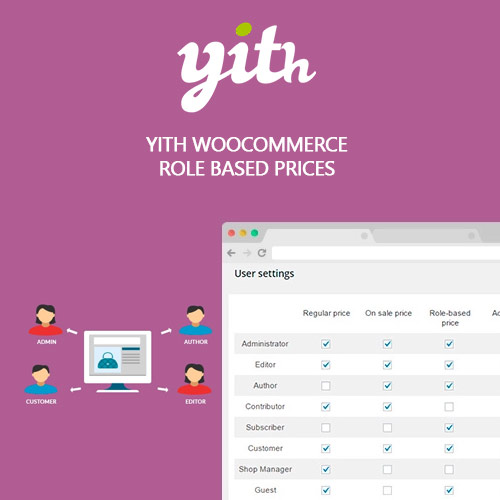
YITH WooCommerce Role Based Prices Premium
A good way to show the right price to your users
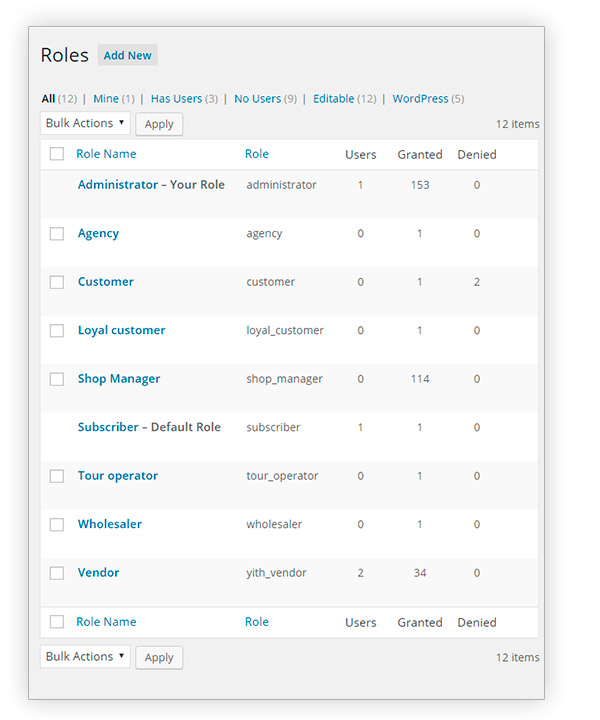
YITH WooCommerce Role Based Prices doesn’t allow creating new roles. It only manages the ones already available. However, you can create new roles with the use of Members free plugin.
- Requires: WordPress 4.5 or higher and WooCommerce 3.3.x or higher
- Compatible up to: WordPress 5.4.x and WooCommerce 4.2.x
- Minimum PHP version: 5.6
- Version: 1.2.2
- Released: 2020-05-26
- Supported multilanguage plugins: WPML
- Translation ready: YES
- Languages 100% guaranteed by YITH: Dutch, English, Italian, Spanish
- Languages provided by users: French(67%)
- Support to: All YITH themes. All YITH plugins except for: YITH Donations for WooCommerce, YITH WooCommerce Name Your Price, YITH WooCommerce Request a Quote
- Supported third party themes: Avada, Divi, Flatsome, Neighborhood, Storefront, X
- Supported third party plugins: Aelia Currency Switcher, WooCommerce Multilingual
- GDPR Compliant: UNNECESSARY
> View documentation> View changelog> Ask support
WITH YITH ROLE BASED PRICES YOU CAN:
Create role-based rules
And set specific purchase conditions for users registered in your shop
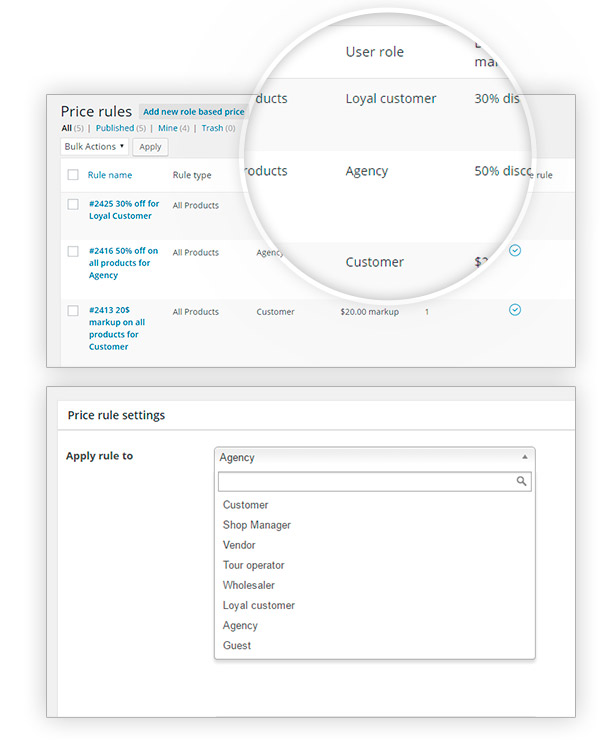
Apply a role-based rule to some specific products
And extend the rule to all products or to the ones belonging to specific categories or tags
YITH WooCommerce Role Based Prices Premium
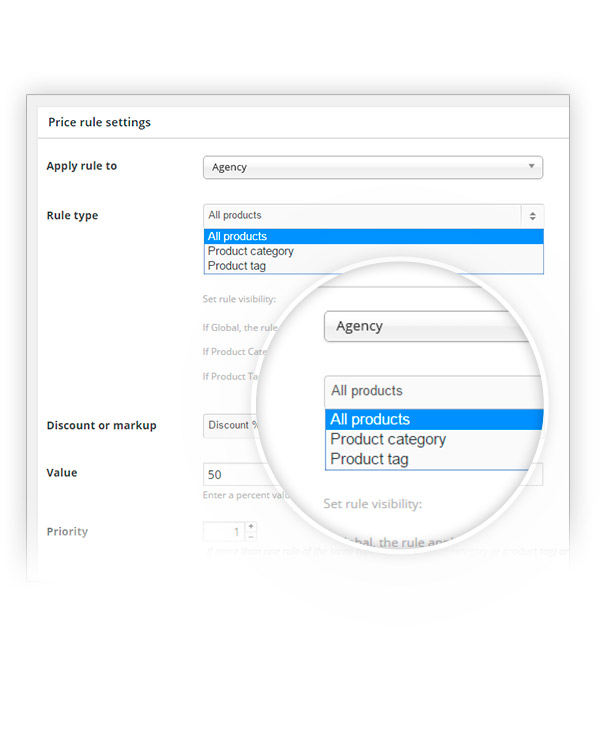
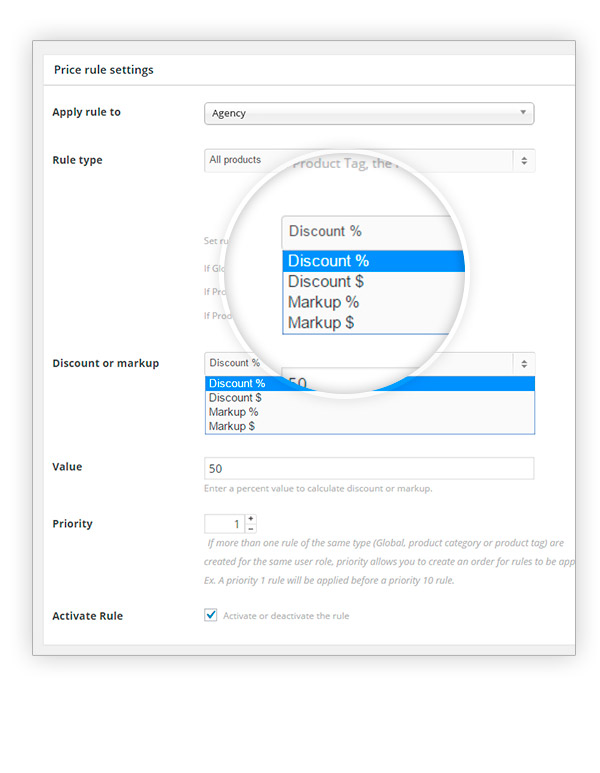
Mark product price up or down
According to the role users have been assigned on your site
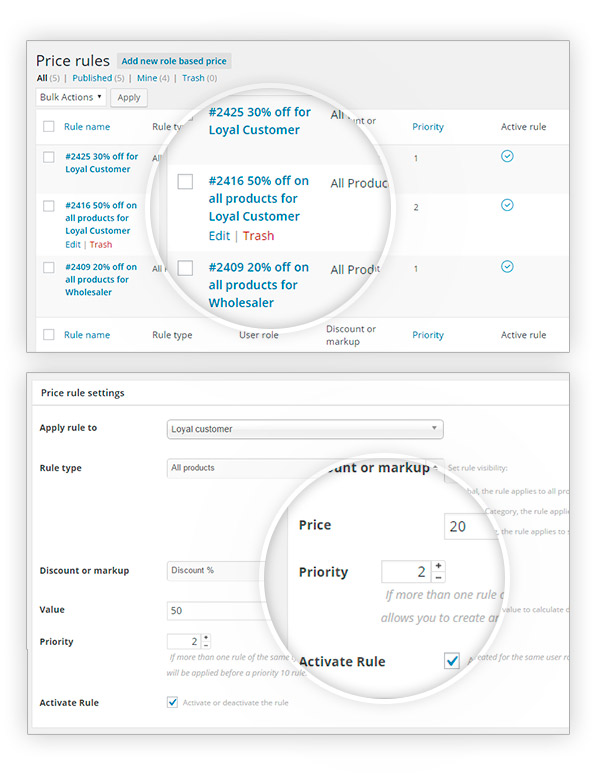
Combine more than one price rule
And apply for example, a double discount for specific users only
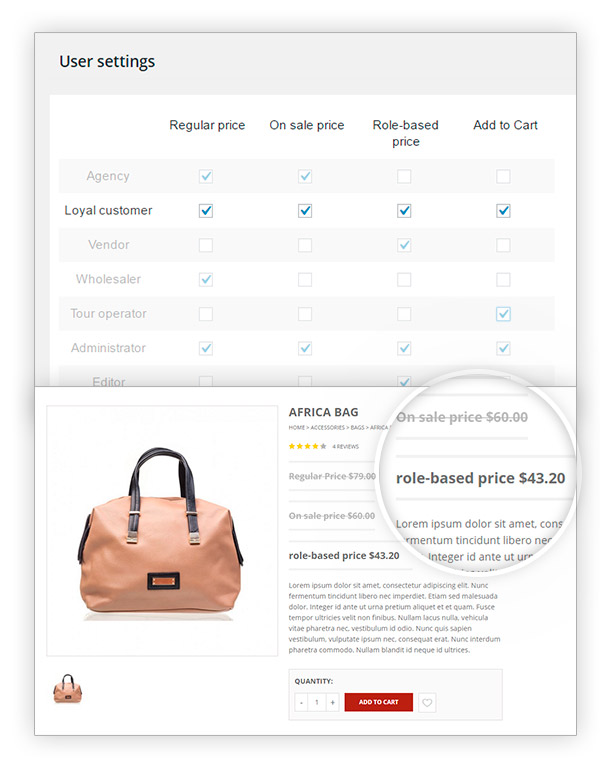
Show one or more prices to each user role
Among regular, on-sale or role-based prices
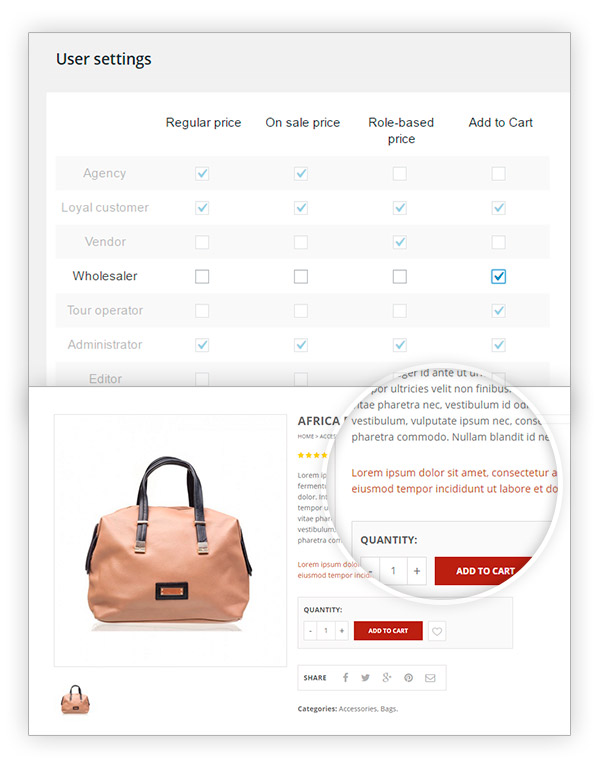
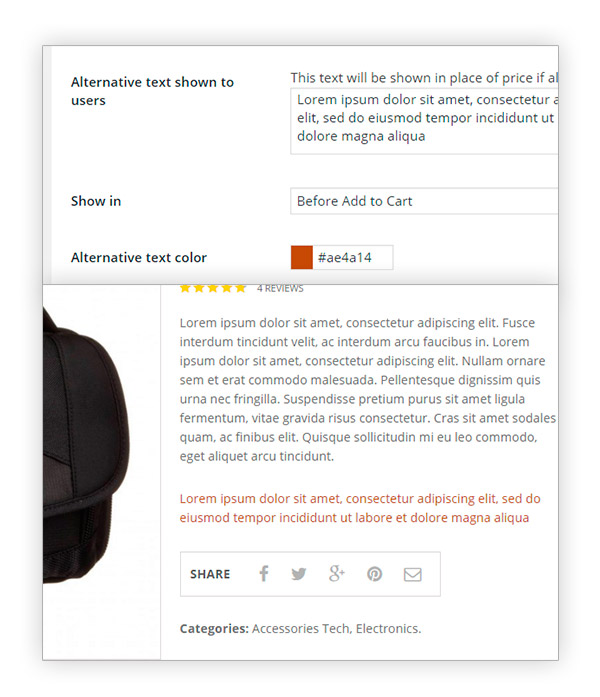
Show a custom message
If none of the available prices are shown
Make your shop a catalog
By preventing some user groups from buying
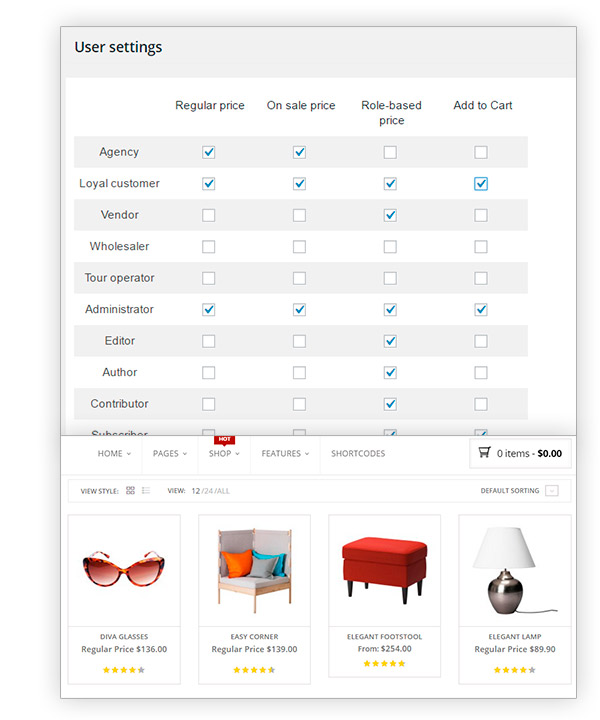
Select any user role
Integrated thanks to a dedicated plugin like ‘Members’
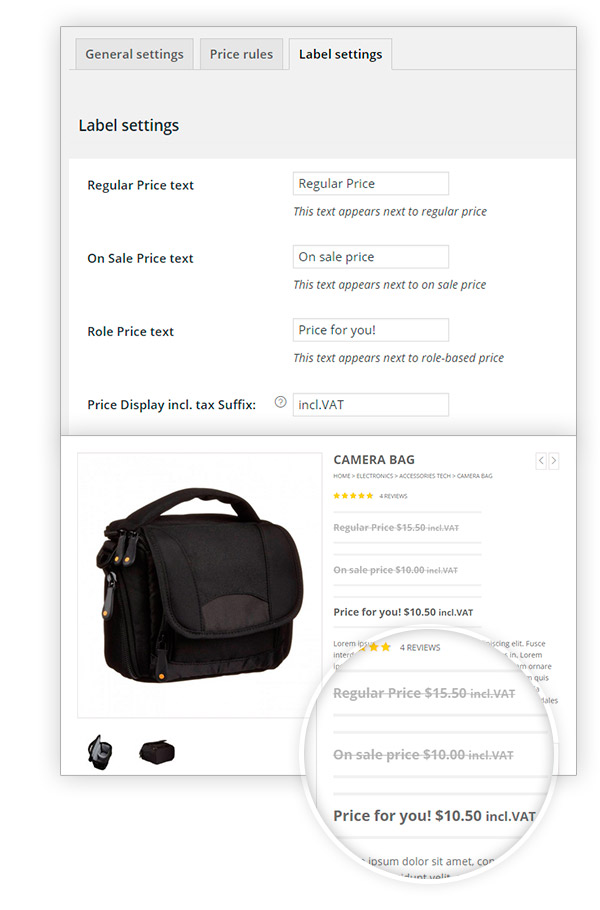
Assign customized labels to prices
And differentiate the role price from the retail price
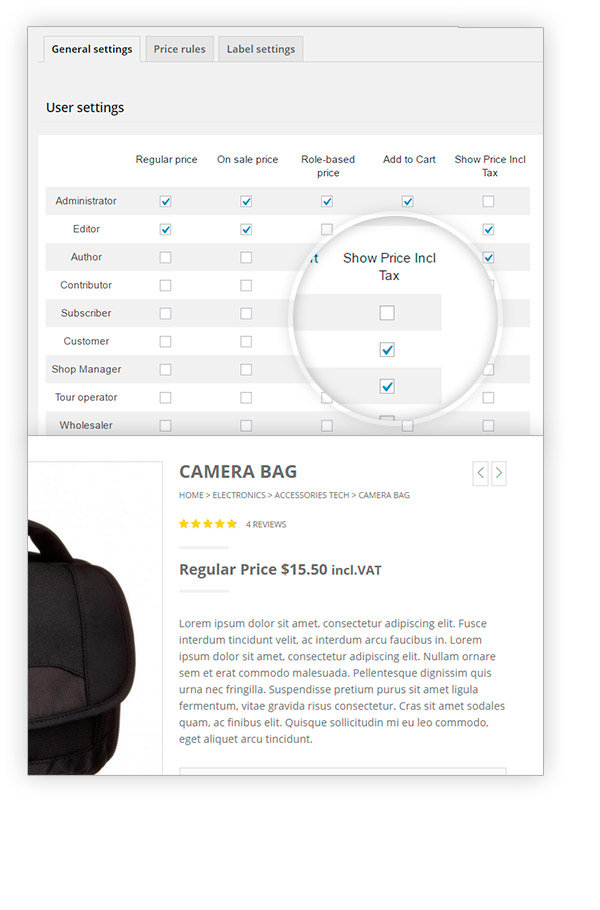
Show tax included price
By choosing to apply the action to each user role of the shop
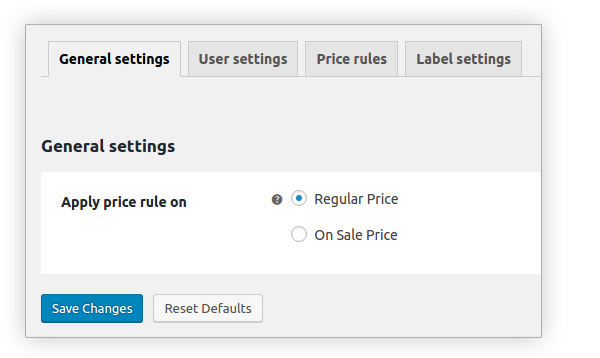
Choose the price on which to apply the rule
“Regular price” or “Sale price”
Provide a different message
If prices are hidden to users
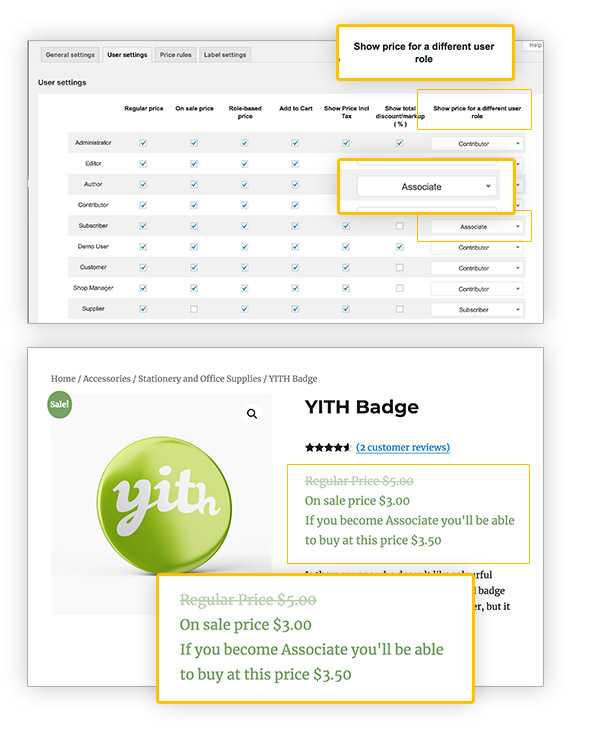
Show the price of a different user role
Let the customer know what he would pay if he became another user type
Whether you use Aelia or WooCommerce Currency Switcher (WPML)
You can get product prices per user role converted into the currency your users see automatically
Take advantage of the wpml compatibility
You are free to easily translate the plugin with the powerful WPML tool